
HomeSeer HS4Touch Designer Software
HomeSeer HS4Touch Designer Software
Couldn't load pickup availability
Touchscreen Design Software
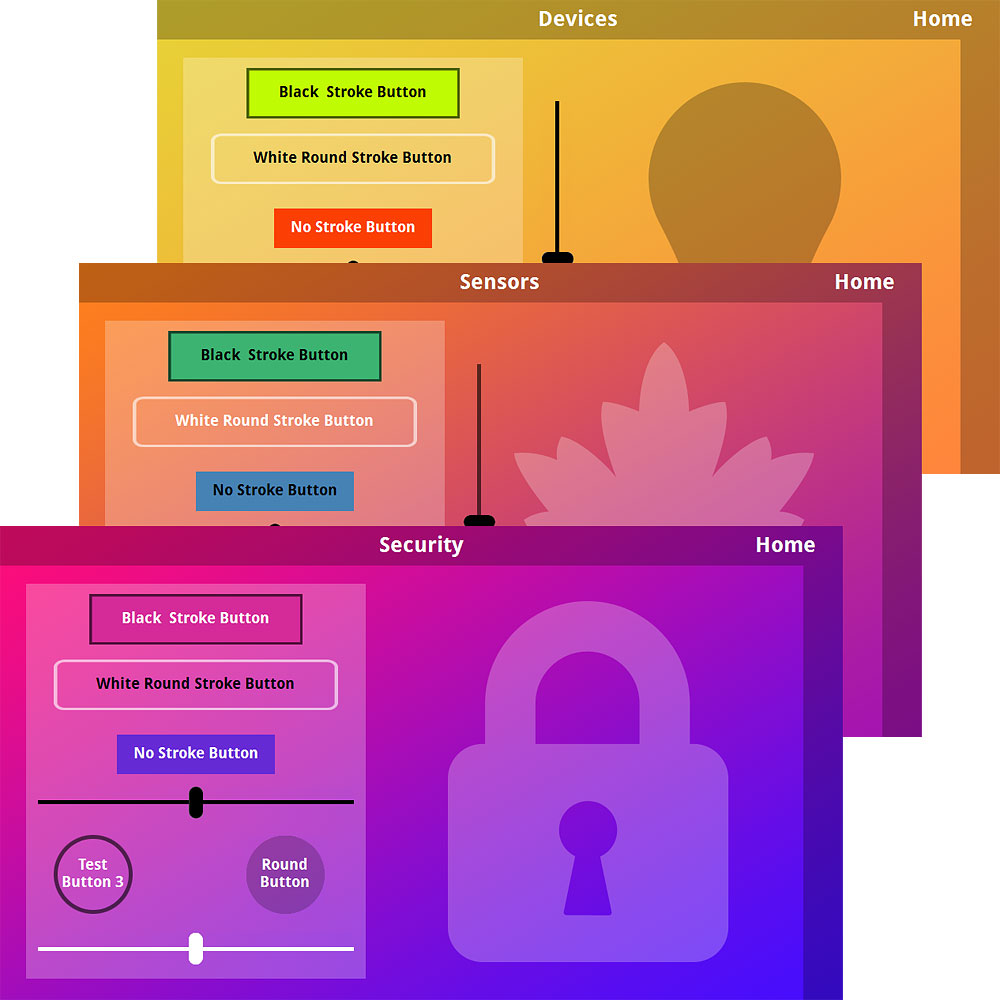
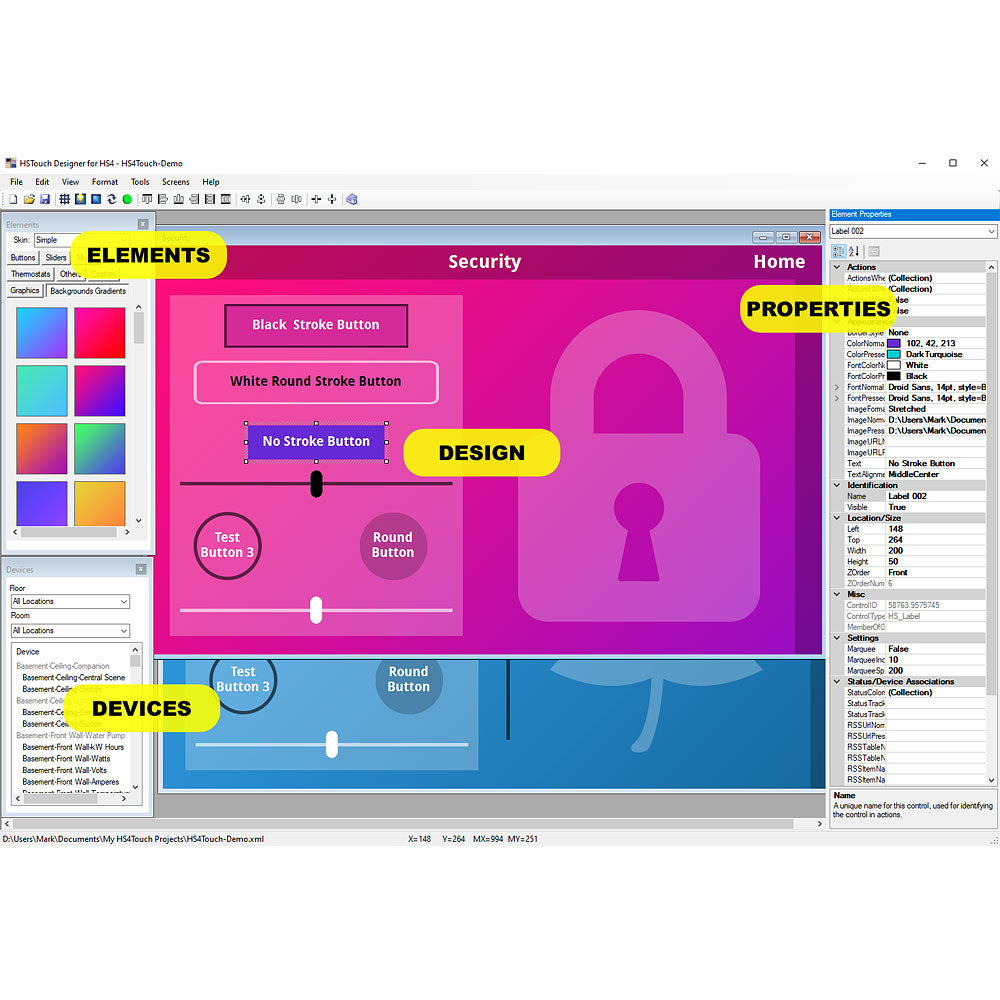
HSTouch Designer is a touch screen design program for use with any HomeSeer smart home system. Projects created with HSTouch Designer may be deployed to Apple, Android, Windows and Linux devices running compatible HSTouch Clients.
Features
- Create Projects with your choice of buttons, backgrounds, themes
- Works with Free HSTouch Android, Apple, Linux and Windows Apps
- Drag / Drop design area
- Easy to use alignment and spacing tools
- Supports alpha blending image transparency
- Projects may be deployed locally on home network or remotely via the internet
- Android projects may be set to auto-scale in the client
- iOS projects may be scaled when deployed
- Compatible with mixed media including jpg, png, images and wav, mp3 audio
- Supports RSS data feeds for weather, news, sports and other information
- Projects may be replicated for easier design work
- Works with MyHS remote access service
- Projects may be previewed within Designer before deployment
Downloads
Included
- HSTouch Designer Software License Codes
Requirements
- HS4-Based Software System or HomeTroller
- HSTouch Designer must be run on a Windows PC
Share
I have 2 Android clients and 1 Windows CE client running this... have used it since 2009. This (& Alexa) is how my family interacts with our smart home. The learning curve is a bit steep to be sure. If you take the time though, it will pay off. My main project includes a 5-day weather forecast, outside temperature (from Oregon Scientific sensor), moon phase, water pump status, laundry status and links to outside camera views, spread between a small handful of screens. The client also can play audio files and text to speech for notifications. I use this for laundry alerts, driveway alerts, birthday greetings, etc...Overall, 5-stars. But maybe 4 is more realistic if you take the ease of use into account.
I literally use it every day. A lot.
Wow I've been waiting so long for this software.............there is no skin package that comes with this software. There is a "simple file" which is very limited to what it almost doesn't have.
So if your looking to use the old skins and whatever custom or anything I would back them up and move them temporarily. Most of my folders were moved, renamed, and or migrated into mostly hs4touch folders. But I have all of my stuff backed up in google drive.
I really hope this get corrected especially for the people that are willing to pay for this software.
Wasn't hoping to be this sad on a Friday morning. #depressed
Hi Woody - thanks for your feedback. Sorry to disappoint with the graphics. We deprecated a lot of the old stuff as it was pretty dated looking. However, you weren't the only one missing the old graphics so we restored them in the new installer. If you run that, all the old graphics will be added to your installation. https://homeseer.com/current-downloads/