


HomeSeer SmartStick G8 Z-Wave 800 Series USB Interface/Radio/Dongle
HomeSeer SmartStick G8 Z-Wave 800 Series USB Interface/Radio/Dongle
In stock
Couldn't load pickup availability
Z-Wave Plus V2 USB Stick
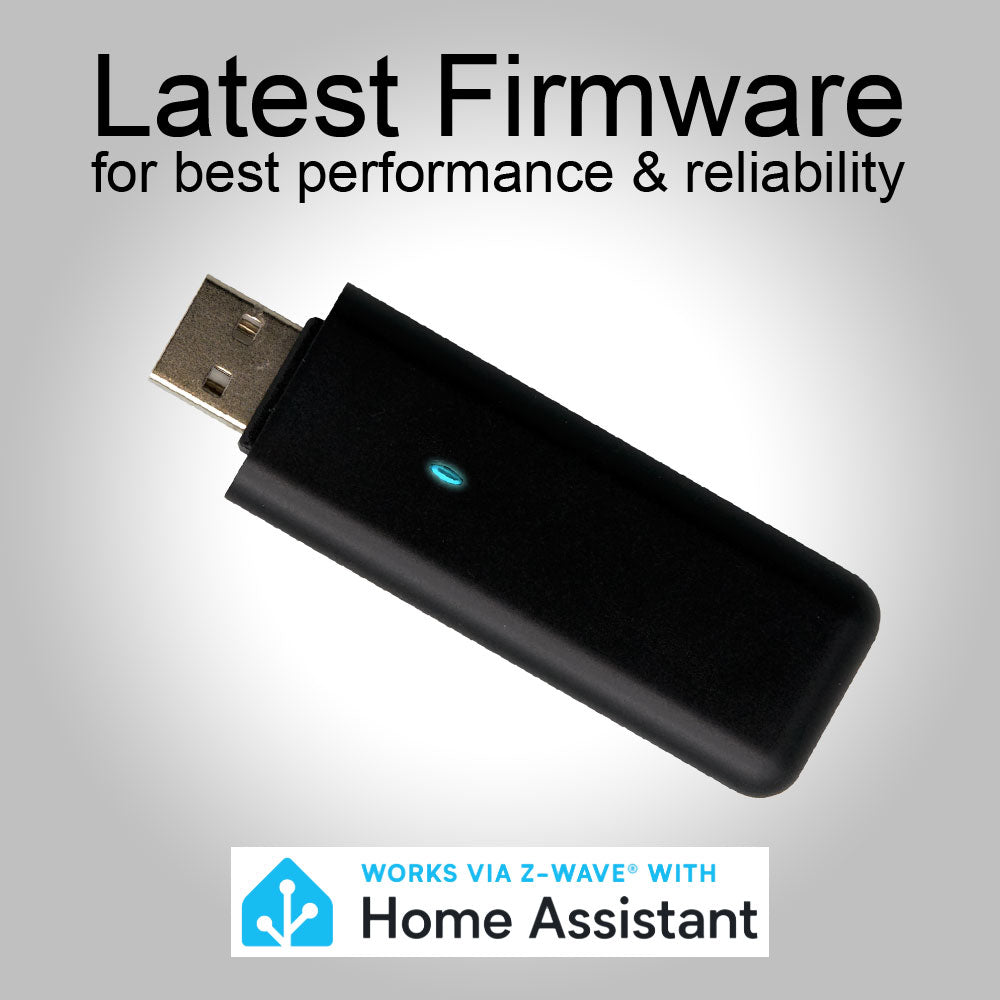
SmartStick G8 is a Z-Wave Plus V2 USB stick for use with HomeSeer, Home Assistant, and other Z-Wave compatible smart home software. SmartStick G8 offers extended wireless range and better security compared to previous SmartStick models. SmartStick G8 may be used with Z-NETs for a centrally managed, multi-network installation.
Main Features
- Z-Wave Plus V2 (800 Series) Interface for use with HomeSeer, Home Assistant and other brand software and hubs
- Supports Z-Wave Plus V2 (and older) Products
- Upgrade-able from Series 500 or 700 controllers running ZDK 6.61 or higher (requires HomeSeer Z-Wave Plus plugin or ZWave JS UI 9.9.0 or later).
- Supports Z-Wave S2 Security + Secure Vault™ - Requires Compatible Software or Hub
- Supports Z-Wave "Smart Start" Inclusion - Requires Compatible Software or Hub
- May be Used with Z-NETs in Larger Homes or for Secondary Residences or Outbuildings
- Supports multiple Z-Wave international regions when used with HomeSeer or Home Assistant software or hubs.
- Optional wall mount available for optimized positioning. Learn more
Migration
Migrate to SmartStick G8 from any 500 series or 700 series controller running ZDK version 6.61 or later. Read the SmartStick G8 Migration Guide for details.
Migrations may ONLY be performed using HomeSeer's Z-Wave Plus plugin or Home Assistant's Z-Wave JS UI version 9.9.0 or later.
| 👉 DO NOT use PC Controller to perform a migration. That will render the stick unusable and void its warranty. |
Specs
- Z-Wave Plus V2 Certified
- Protocol: Sigma Serial API
- Built-in 800 Series Z-Wave Module
- Includes ZDK 7.22.2 (or later) library as of 10/2024
- Field-up-gradable Firmware | Get Latest Here
- Supports international Z-Wave regions when used with HomeSeer or Home Assistant software or hubs.
- Compatibility: Any Z-Wave certified smart home software or hub (including all HomeSeer systems) running under Linux or Windows 7 (or higher).
Downloads
- For Systems running Windows 7: SmartStick G8 Driver
- Quick Start Guide
- How to migrate from Z-Wave to Z-Wave Plus
- How to migration from 500 or 700 series controller to G8 controller
Requirements
- Works with HS4 based systems running the Z-Wave Plus plugin
- Works with Home Assistant running ZWave JS
-
Not compatible with legacy v3 or v4 Z-Wave plugin
- For upgrading from another controller: HomeSeer Z-Wave Plus plugin or Z-Wave JS US v9.9.0 (or later). Previous controller must be running ZDK 6.61 or later.
Included
- SmartStick G8 Unit
- Quick Start Guide
- 1-year manufacturer's warranty
- Optional wall mount available for optimized positioning. Learn more
Important
- Windows 7 or higher & Linux are supported.
- Windows XP is not supported.
- Supports multiple Z-Wave frequencies when used with HomeSeer software or hubs.
What is the SmartStick G8?
What is the SmartStick G8?
SmartStick G8 is an 800 Series Z-Wave Plus V2 USB interface that allows a computer or smart home controller to communicate with Z-Wave devices. It works with HomeSeer, Home Assistant, and other Z-Wave-compatible software and hubs.
Is the SmartStick G8 a Z-Wave hub?
Is the SmartStick G8 a Z-Wave hub?
No. The SmartStick G8 is a Z-Wave USB interface/radio, not a standalone smart home hub. It connects to a computer or compatible smart home system, which provides the software used to manage your Z-Wave devices.
What Z-Wave products does the SmartStick G8 support?
What Z-Wave products does the SmartStick G8 support?
The SmartStick G8 supports Z-Wave Plus V2 (800 Series) devices as well as older Z-Wave devices. Compatibility ultimately depends on the software being used with the SmartStick.
Does the SmartStick G8 support Z-Wave Long Range?
Does the SmartStick G8 support Z-Wave Long Range?
Yes. The 800 Series hardware supports Z-Wave Long Range (LR). Actual Long Range operation depends on compatible devices and software, and the range will vary according to environmental conditions and installation.
What USB driver does the SmartStick G8 use?
What USB driver does the SmartStick G8 use?
The SmartStick G8 uses a CH9102 USB-to-serial interface. On Windows, it appears as a USB-Enhanced-SERIAL CH9102 device.
Can I move my existing Z-Wave network from another controller to the SmartStick G8?
Can I move my existing Z-Wave network from another controller to the SmartStick G8?
Yes. However, there may be a number of steps required depending on the existing network. Be sure to check through HomeSeer's migration docs to determine the scope of the project.
Is a wall mount available?
Is a wall mount available?
Yes. An optional SmartStick wall mount is available for installations where positioning the USB stick away from the computer provides better Z-Wave coverage.
Can I update the SmartStick G8 firmware?
Can I update the SmartStick G8 firmware?
Yes. The SmartStick G8 has field-upgradable firmware. HomeSeer provides firmware-update procedures and files for supported versions.
What is the difference between the SmartStick G8 and the Z-NET PRO?
What is the difference between the SmartStick G8 and the Z-NET PRO?
The SmartStick G8 connects directly to the host computer through USB. The Z-NET PRO is a network-connected Z-Wave (& Zigbee) interface that can be located anywhere on the local network.
The SmartStick is ideal when the Z-Wave radio can be positioned near the host system. A Z-NET can be advantageous when the Z-Wave radio needs to be located elsewhere in the home or property.
Share


I replaced an older z-wave stick that I physically broke the USB connector on. The z-wave functionality on my HomeTroller is working again.
Works as intended on HS 4.2.22.4. This was part of a migration from a 700 series Smartstick.
Nice to have a newer version, my previous one was a bit old. The longer range is wonderful, but need more vendors to catch up. I did run into a few problems with older z-wave units not working with the newer Homeseer software, but considering the age of some of my equipment, I don't feel this is an insurmountable issue. Would certainly buy again...
Compared to older models
Much quicker discovery and additional attributes discovery as well. Range is much better. Connections are more stable.
My experience.
All I can say is that the reliability of your Z wave experience depends entirely on having a good interface. Initially, I had a Nortek interface that I set up so my Honeywell T6 thermostat could talk directly to my HS server. Then I started adding Z wave motion sensors and door sensors. The Nortek interface just didn't work well no matter what I did. Super long lag in status updates and frequent need to re-include or reset devices to get them to work. Just when I thought about abandoning Z wave, I gave this HS brand interface a try. And what a difference! Solid, rapid communication that doesn't drop out. Even though the Nortek interface seems to be supported, in practice it did not work well enough to be useful. I highly recommend building your Z wave network with this as your starting point because if the Z wave interface isn't working well, nothing else will.